

Debugging Function Calling: What to Check When Your LLM Goes Rogue

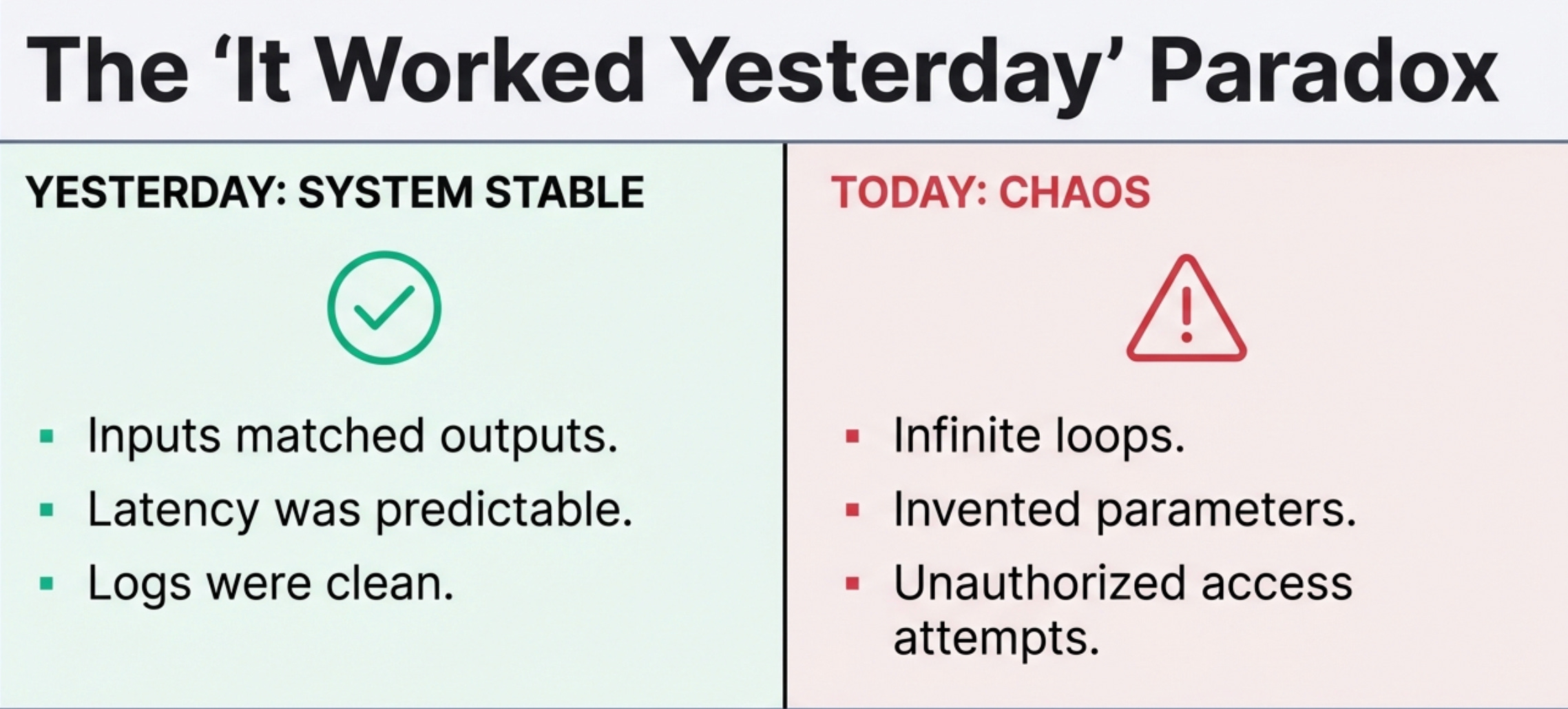
Your function-calling system was working fine yesterday.
Today it’s calling the wrong functions, hallucinating parameters, or stuck in an infinite loop.
Here’s your tactical debugging checklist for when things go sideways.
The Symptoms and Where to Look
Symptom: The model calls the same function repeatedly with slight variations
Check first:
Is your max_iterations limit set? If not, set it to 5
Are you tracking duplicate calls? Add logging to catch when the same function is called 3+ times
Is the function returning useful data? Empty results often trigger retry loops
Quick fix:
# Add circuit breaker to your loop
if len([c for c in calls if c.function_name == current_call]) >= 3:
    return "Unable to find requested information after multiple attempts"
Symptom: The model invents parameter values that don’t exist
Check first:
Your schema description - is it specific enough?
Your validation layer - are you checking parameter values before execution?
Error messages - are you returning structured errors the model can learn from?
Quick fix: Add explicit constraints to your schema:
{
  "user_id": {
    "type": "string",
    "description": "User ID must be a valid UUID from the database. Example: '550e8400-e29b-41d4-a716-446655440000'"
  }
}

**Symptom: The model calls functions when it shouldn't**

*Check first:*
- Your system prompt - does it explicitly say when NOT to use functions?
- Function descriptions - do they include "READ-ONLY" or usage constraints?
- Is the user query actually answerable from the model's training data?

*Quick fix:*
Add this to your system prompt:
Only call functions when you need current data from live systems or need to take actions.
If you can answer from your training knowledge, do so without calling functions.
Symptom: The model tries to call functions it doesn’t have access to
Check first:
Are you filtering the available functions list per user?
Is your permission check happening before execution?
Are old function definitions cached somewhere?
Quick fix:
def get_available_functions(user):
    all_functions = FUNCTION_REGISTRY
    user_permissions = get_user_permissions(user)
    return {name: fn for name, fn in all_functions.items()
            if fn.required_permission in user_permissions}
Symptom: Functions execute but the model ignores the results
Check first:
Are you actually sending results back to the model?
Is the result format parseable? (valid JSON, under token limits)
Are you adding results to the conversation history correctly?
Quick fix: Log the conversation flow:
print(f"Sending to model: {messages}")
print(f"Model response: {response}")
print(f"Function results: {function_results}")
Symptom: Sudden increase in inappropriate function calls
Check first:
Did your system prompt change?
Did you add new functions without updating descriptions?
Is this happening for all users or specific ones?
Quick fix: Check your recent deployments and roll back changes one at a time until behavior normalizes.
Going Deeper: Resources for Production LLM Systems
Debugging is reactive, you’re fixing problems after they happen. But most function calling issues are preventable with the right foundation.
If you’re building LLM systems and want to skip the painful learning curve, I wrote a comprehensive guide called “LLMs for Humans: From Prompts to Production” that covers everything from basic prompt engineering to deploying production-grade function calling systems. It includes:
The schema design patterns that actually prevent hallucination
Validation architectures that catch errors before execution
Security models for function calling that don’t assume the model will behave
Cost optimization strategies that matter at scale
Real code examples from production systems (not toy demos)
The book is based on building and debugging these systems in production, not just reading research papers.
If you’re earlier in your journey, maybe you’re transitioning into DevOps or trying to level up from junior to mid-level, I also created “The DevOps Career Switch Blueprint”.
It’s the guide I wish I had when I was making the transition without a CS degree:
How to build production experience when you don’t have production access yet
The specific technical skills that actually matter (and which ones are just resume keywords)
How to talk about your work in interviews when you’re coming from a non-traditional background
Real salary negotiation tactics that got me significant increases within two years
Get the DevOps Career Switch Blueprint →
Both resources focus on the practical, production-focused knowledge that tutorials skip and documentation doesn’t cover.
No fluff, no theory for theory’s sake, just what actually works.
The 5-Minute Debug Workflow
When something goes wrong, work through this sequence:
1. Check the logs (1 min)
What was the user’s original query?
What functions were called with what parameters?
What were the results?
What was the final response?
2. Reproduce it (2 min)
Can you trigger the same behavior with the same input?
If yes → systematic problem with that query pattern
If no → intermittent issue, check for rate limits or external service problems
3. Isolate the component (2 min)
Schema problem? → Check function definitions
Validation problem? → Check what parameters passed validation
Model decision problem? → Check system prompt and function descriptions
Result handling problem? → Check how results are formatted and sent back
4. Test the fix
Make one change at a time
Test with the original failing query
Test with similar queries to ensure you didn’t break something else
Common Gotchas I’ve Learned the Hard Way
The model respects what you tell it. If your schema says “query: string”, the model will try SQL, fuzzy search, natural language - anything. Be specific: “search_term: exact username or email to match”.
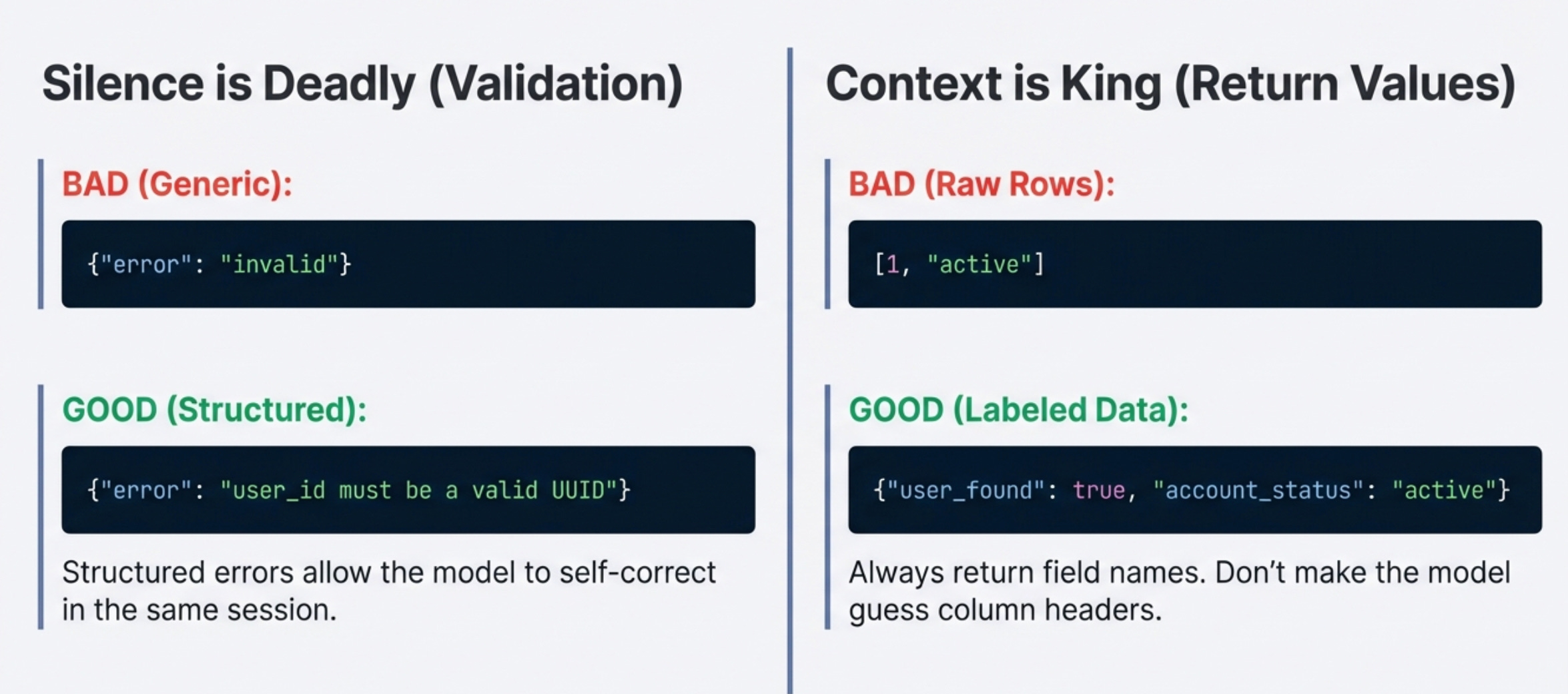
Validation that returns nothing is worse than no validation. Return structured errors: {"error": "user_id must be a valid UUID"} not just {"error": "invalid"}. The model can self-correct with good error messages.
The model can’t read your mind about permissions. Just because a function exists in your codebase doesn’t mean the model should call it. Filter the available functions list before sending to the model.
Function results need context. Don’t return raw database rows. Return formatted data with field names: {"user_found": true, "account_status": "active"} not [1, "active"].
Your system prompt is code. Version it, test it, and treat changes like you would any other code change. A vague system prompt is a bug waiting to happen.
Quick Reference: Error Patterns
Tools That Actually Help
1. Conversation replay - save the full conversation history:
User query → Function calls → Results → Final response
When debugging, replay the exact sequence to see where things went wrong.
2. Function call visualization - build a simple dashboard that shows:
Which functions are called together
Average calls per query
Success/failure rates per function
Common error messages
3. Diff checking - when behavior changes suddenly, diff your:
System prompts
Function schemas
Validation rules
Available functions list
4. Synthetic test suite - keep a set of queries that should work:
“Show me user X” → should call user_query
“What’s the weather?” → should NOT call functions
“Delete all users” → should require confirmation
Run these after every change.
When to Stop Debugging and Redesign
Sometimes the problem isn’t a bug, it’s the design. Consider redesigning if:
You’re constantly adding special cases to your validation
The same function keeps getting misused despite schema updates
You find yourself writing detailed instructions for every edge case
Users report that the system “doesn’t understand” their requests
Signs you need simpler functions:
Functions that do too much
Functions with 8+ parameters
Functions that sometimes return data, sometimes take actions
Signs you need better abstractions:
Multiple functions that are just variations of the same operation
Complex workflows that require 10+ function calls
Functions that need to be called in a specific order
The Debug Checklist
Print this, tape it to your monitor:
When a function calling system misbehaves:
Check logs for exact conversation flow
Reproduce with the same input
Check schema descriptions for vagueness
Verify validation is running and returning structured errors
Confirm permissions check happens before execution
Test function independently with the parameters the model sent
Check that results are formatted correctly and sent back
Review recent system prompt changes
Check external service health
Test with similar queries to find pattern
Never skip the logs.
If you can’t see what the model actually did, you’re guessing.
What’s the weirdest function calling bug you’ve encountered?
I’d love to hear about it in the comments, especially if it taught you something about LLM behavior that wasn’t in the docs.
With Love and DevOps,
Maxine
P.S. If you’re building production function calling systems and want the deep dive on implementation patterns, check out Part 1 and Part 2 of my function calling series.
Last Updated: February 2026