
Terraform Modules Explained Like a Senior DevOps Engineer
The Module Strategy Every DevOps Engineer Should Know

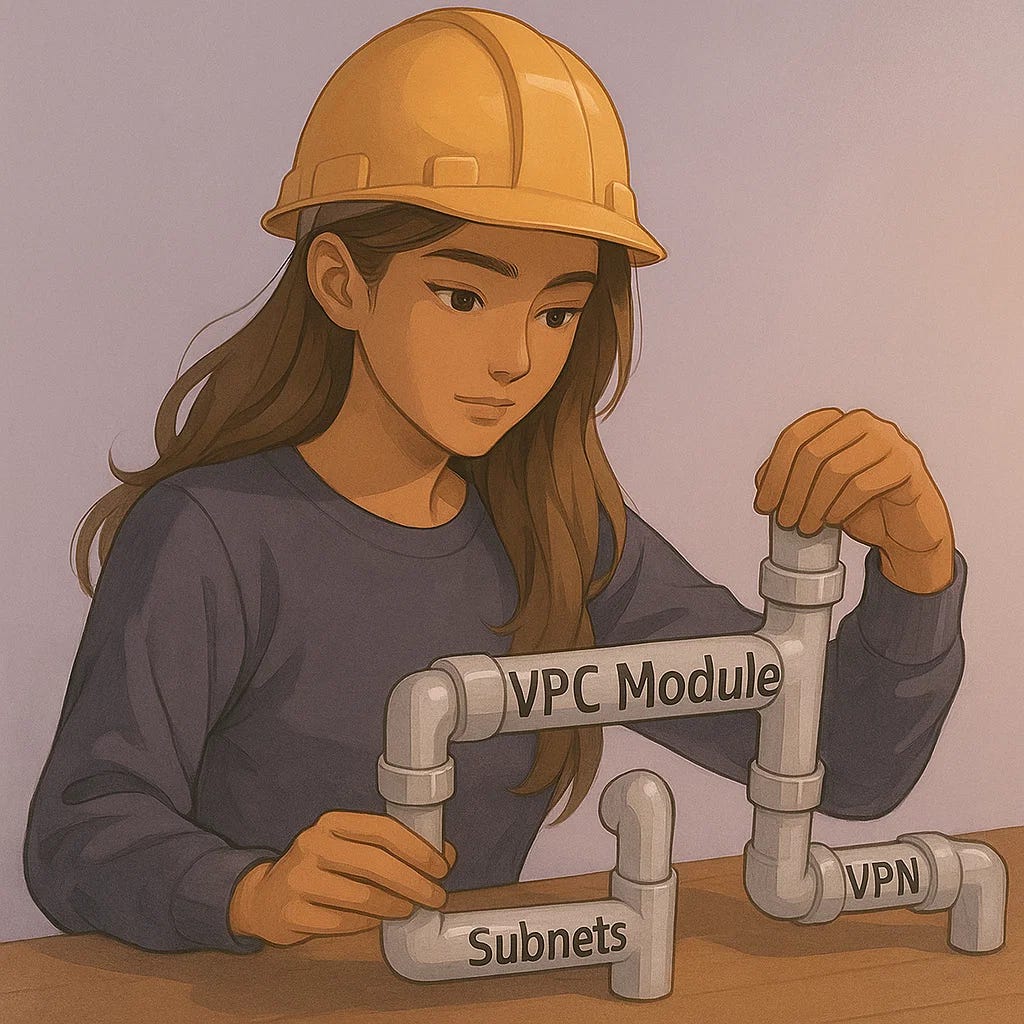
There is a moment in every DevOps engineer’s career when Terraform stops feeling like a collection of files and starts feeling like a system. A living system that scales with you, keeps environments consistent, prevents chaos, and saves you from long, stressful debugging sessions.
That moment usually arrives the first time you truly understand Terraform modules.
Modules are the difference between a beginner who writes disconnected .tf files and an engineer who architects cloud infrastructure with clarity and intention.
If you want to grow in DevOps, if you want your portfolio to look like real engineering work, and if you want to stand out in interviews, you must understand modules.
Today I am going to walk you through:
what Terraform modules actually do
how real companies structure them
the mistakes beginners make
how enterprise companies style environments use modules at scale
the exact module you should build first
a real case study
troubleshooting advice
comparisons to non modular Terraform
success criteria
and what your next steps should be
This will be one of the most technical Terraform posts I have written so far, but it will be worth every paragraph.
Terraform Without Modules vs With Modules
[Insert image placeholder: “Side by side code before and after module refactor”]
What Terraform Modules Actually Do
A module is a container for related Terraform resources, think of it a house architecture diagram that you can build as many times as you want. When you build infrastructure at scale, you need consistency. You need the same naming conventions, same tagging standards, same CloudWatch alarms, same networking patterns, and the same resource relationships every time.
A module gives you that.
Instead of rewriting the same 120 lines of EC2 configuration each time you need an instance, you write it once in a module and call it as many times as you want. Or instead of duplicating VPC logic across dev, staging, QA, UAT, and prod, you create a VPC module and pass in variables that make each environment unique.
Modules prevent drift, reduce error, simplify reviews, and force you to think like an architect.
They are the backbone of real world Terraform.
Why Enterprise Companies Use Modules Everywhere
In enterprise environments, modules are not optional. They are the only way large teams avoid configuration drift. One my enterprise client’s use multi environment, multi account setups, where modules often sit in a shared repository and are versioned with tags just like application code.
So production can use module version 6.3.1, while staging uses module version 6.5.2, and dev uses module version 7.0.0. This is a powerful thing.
This versioning model gives you controlled change. No surprises. No accidental resource recreation. No destruction of production databases because a variable name changed.
Modules are how you scale safely.
A Simple Example of a Module Call
Here is what calling a module looks like in real environments:
module “ec2_web” {
  source        = “git::https://github.com/company/modules.git//ec2?ref=v2.4.1”
  instance_type = “t3.micro”
  name          = “web”
  environment   = “staging”
  subnet_id     = module.vpc.private_subnet_id
}
Let me walk through what each line actually means:
source: points to your centralized module repositoryref=v2.4.1: locks the module version so no surprise changes occurinstance_type: the only property your team should need to changeenvironment: ensures proper tagging, naming, IAM permissionssubnet_id: ties the instance into clean networking patterns
This is the difference between maintaining a codebase and maintaining infrastructure.
What a Real Module Looks Like
Most modules contain:
main.tfvariables.tfoutputs.tfproviders.tfsettings.tfREADME.md
Here is a shortened example of a real EC2 module:
resource “aws_instance” “this” {
  ami           = var.ami
  instance_type = var.instance_type

  vpc_security_group_ids = [var.security_group_id]
  subnet_id              = var.subnet_id

  tags = {
    Name        = var.name
    Environment = var.environment
    ManagedBy   = “Terraform”
  }
}
You do not rewrite this 50 times. Write it once. Reuse it everywhere.
How A Single Module Saved A Team Weeks
One of the junior engineers I was working created their own Terraform files for everything. There were EC2 instances with different tagging standards. VPCs that did not match the naming convention. And IAM roles that broke because environment variables were inconsistent.
It got so bad that production drifted from staging by a significant amount. Any DevOps engineer knows how damaging environmental drift can be in a production environment.
After some pair programming sessions the junior engineer then created a standardized VPC module and refactored all five environments. It took two weeks to build, test, and deploy the module.
But afterward, every environment could be recreated identically with one line:
module “vpc” {
  source      = “modules/vpc”
  environment = “prod”
}
Afterwards the client was thrilled to have a clean and reproducible environments to test and deploy changes in.
Common Mistakes People Make When Creating Their First Module
This is where beginners get hurt:
1. Putting too many unrelated resources into one module
Modules should follow the single responsibility principle.
2. Hardcoding values inside modules
Modules must stay flexible. Never bury values in the code.
3. Creating circular dependencies
Modules should not depend on each other without clear boundaries.
4. Forgetting to pin module versions
Never let staging auto update to main by accident.
5. Not documenting input and output variables
A module is useless if your team cannot understand how to call it.
6. Making environment specific logic inside modules
Environments should be controlled through variables, not conditionals.
7. Using relative paths like ../modules/vpc instead of versioned sources
Always treat modules as versioned artifacts.
These mistakes seem small but cause outages, drift, and unpredictable behavior.
Troubleshooting Terraform Modules Like A Senior Engineer

When something goes wrong with modules, here is exactly how to debug them:
Run terraform get
This fetches updated modules and exposes source errors.
Run terraform providers
This identifies mismatched provider versions.
Run terraform graph
Use tools like Graphviz to visualize dependencies.
Validate module inputs are actually being passed
Most module bugs come from missing variables.
Inspect module output usage
Outputs must not reference resources that do not exist.
Enable Terraform plan debugging
Use: TF_LOG=DEBUG terraform plan
This reveals hidden issues in state or evaluation order. This is also one of my personal favorite debugging tips for Terraform.
Check for deleted resources
Sometimes the module changed but the state did not.
Once you learn to debug modules, you become invaluable to any engineering team.
Success Criteria: How You Know You Understand Terraform Modules
You are ready for real DevOps work when you can:
create a reusable module with proper inputs and outputs
build modules with version pinning
deploy modules to multiple environments
use modules inside CI pipelines
design system architecture around module boundaries
refactor environments to use modules without downtime
read and debug someone else’s module
If you can do these seven things, you are functioning at a mid level engineering capability.
A Strong First Terraform Module You Should Build
Build your own EC2 module with:
a launch template
an autoscaling group
CloudWatch alarms
instance profile
security group
tagging standards
user data for bootstrapping
outputs that other modules can use
This teaches:
resource relationships
dependency ordering
variable management
conditionals
scaling patterns
logging
debugging
When junior engineers present an EC2 module in interviews, it immediately signals depth.
Costs, Time, and Versions to Expect
Here are realistic numbers for beginners:
Time to build first module: 3 to 5 hours
Time to debug first module: 1 to 3 hours
Cost to test in AWS: $1.50 to $3.00 depending on instance use, this should be free if you haven’t used up your starter credits.
Recommended Terraform version: 1.7.x (current stable
as of January 2025)Recommended AWS provider version: 5.x
These numbers come from HashiCorp release notes and AWS free tier usage reports.
Tools You Will Use
Terragrunt (optional):
Graphviz (for dependency graphs)
Closing Thoughts ❤️
Terraform modules are not an advanced skill, but they are the baseline for real world DevOps. They force clarity. They enforce consistency. They prevent drift. They reduce outages. They transform you from a Terraform user into a Terraform engineer.
If you learn modules well, you will build infrastructure that scales. You will think like an architect. You will debug like a senior. You will ship changes with confidence. And you will stand out in every interview you take.
Start with one module.
Refactor one environment.
Document one set of inputs and outputs.
Then build your next module.
Your future career will thank you for it.
With love and DevOps,
Maxine
PS: If you want a clear roadmap to start your DevOps career, my course walks you through everything I wish I knew when I transitioned into tech. ✨💻❤️
Last Updated: December 2025
Fantastic breakdown of module versioning strategy. The insight abot staging running 6.5.2 while prod stays on 6.3.1 is brilliant because it creates a testing buffer that most teams miss. Worth noting that this also solves the problem of provider version conflicts when multiple teams share modules,since each environment can upgrade independently without blocking others. Really solidifies why enterprise shops treat modules as artifacts rather than just code.